Flexible SharePoint forms, without the developer or the complexity.
Building forms shouldn't be rigid or expensive. With Vike Forms, you can design, publish and share custom forms for data collection in minutes, with no developers and no complicated licensing. Create multiple forms on the same SharePoint list as your business needs change.
- Data stays in your SharePoint tenant
- One per-tenant price
- 30-day free trial
- Billed via Microsoft Marketplace
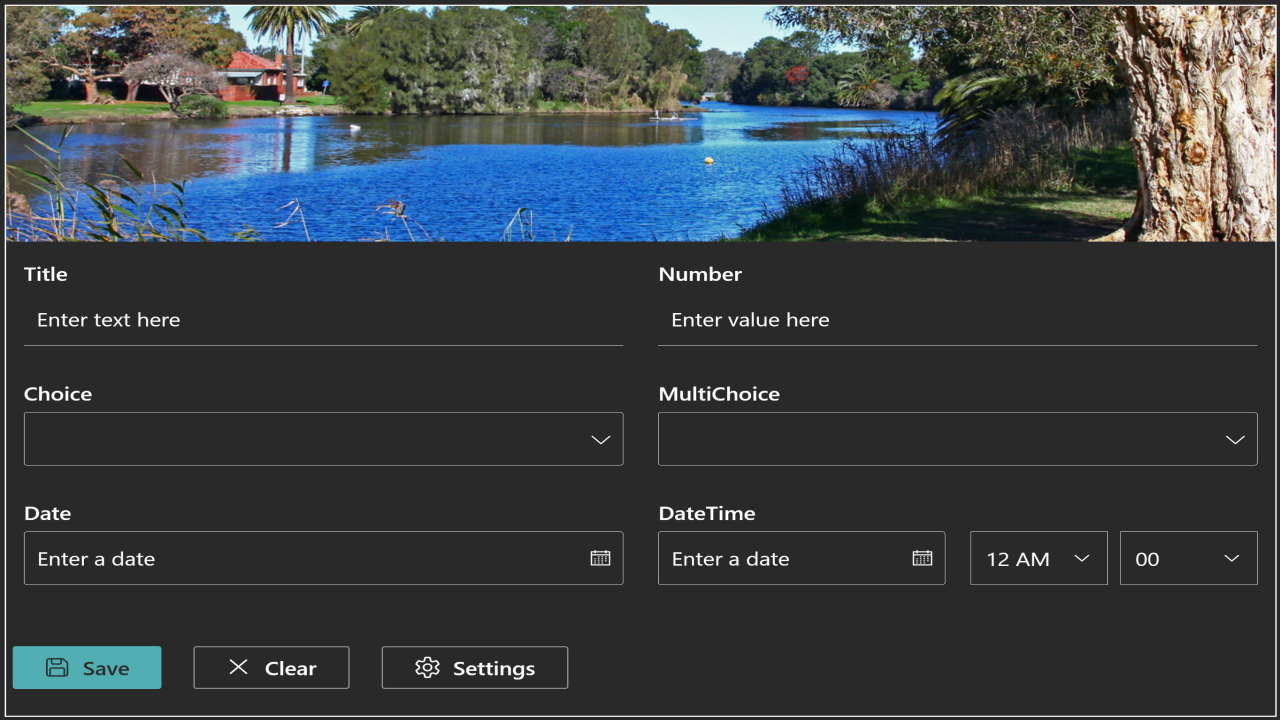
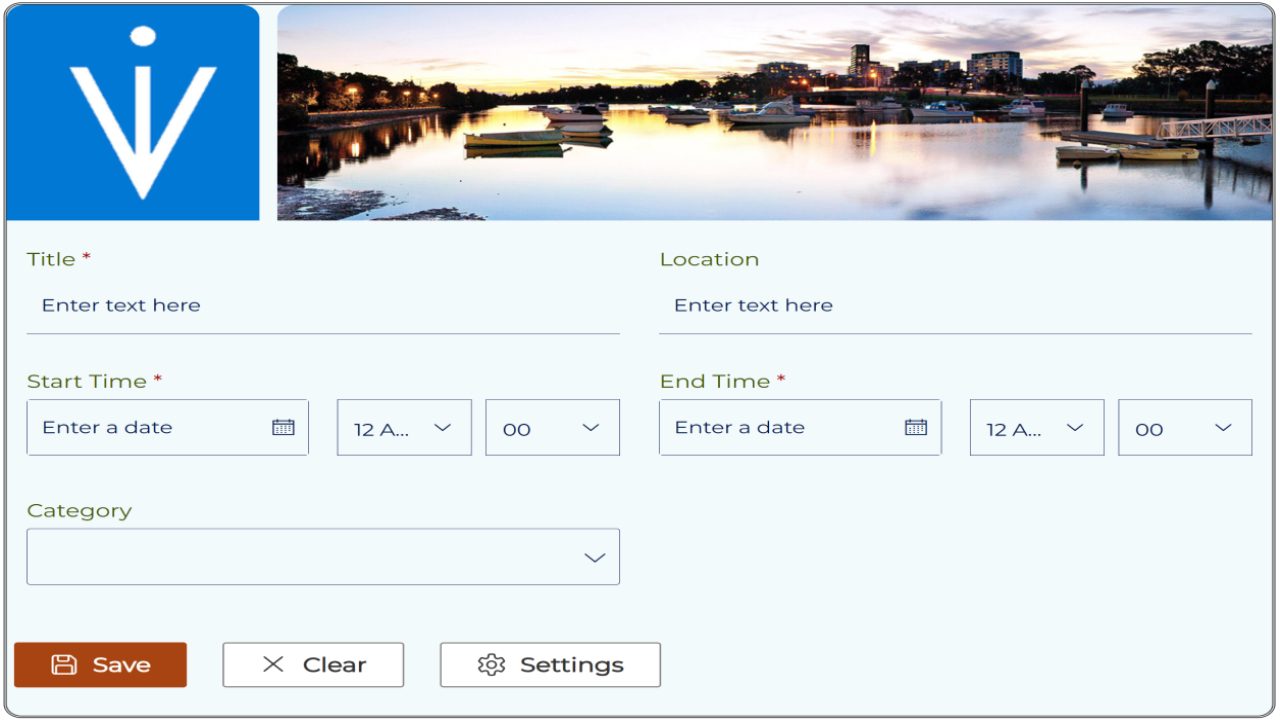
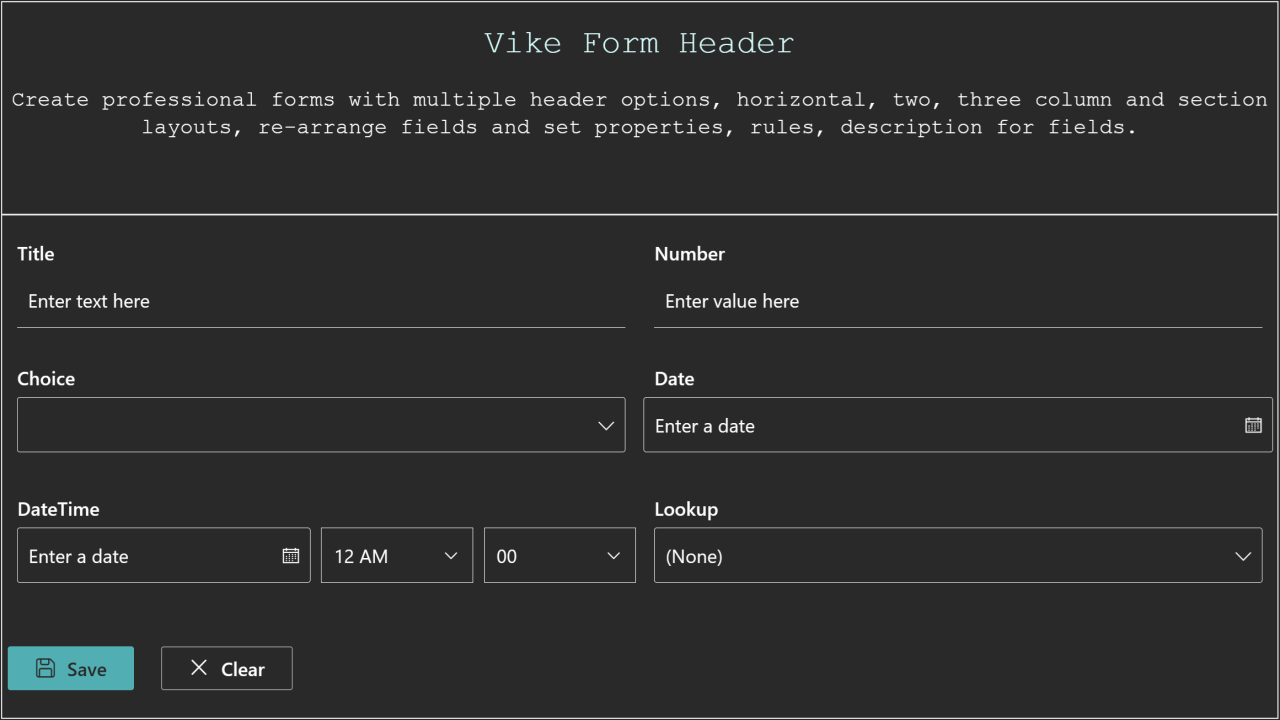
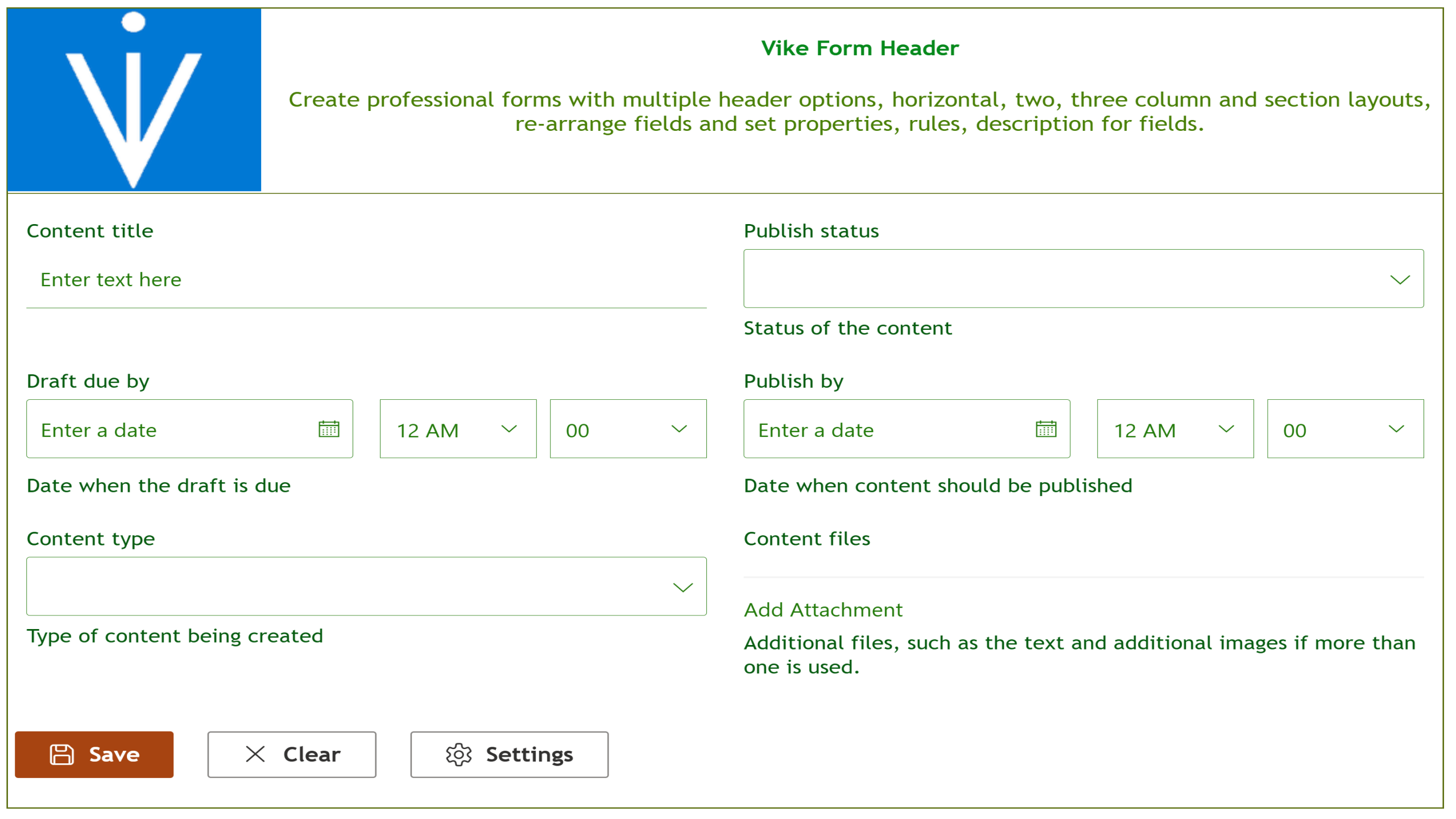
Separate from the default, built around your brand. Drag to compare.
Every field, rule, and layout — under your control.
No-code by default, precise when you need it. Vike Forms gives site owners the same control a developer would reach for, without writing anything.
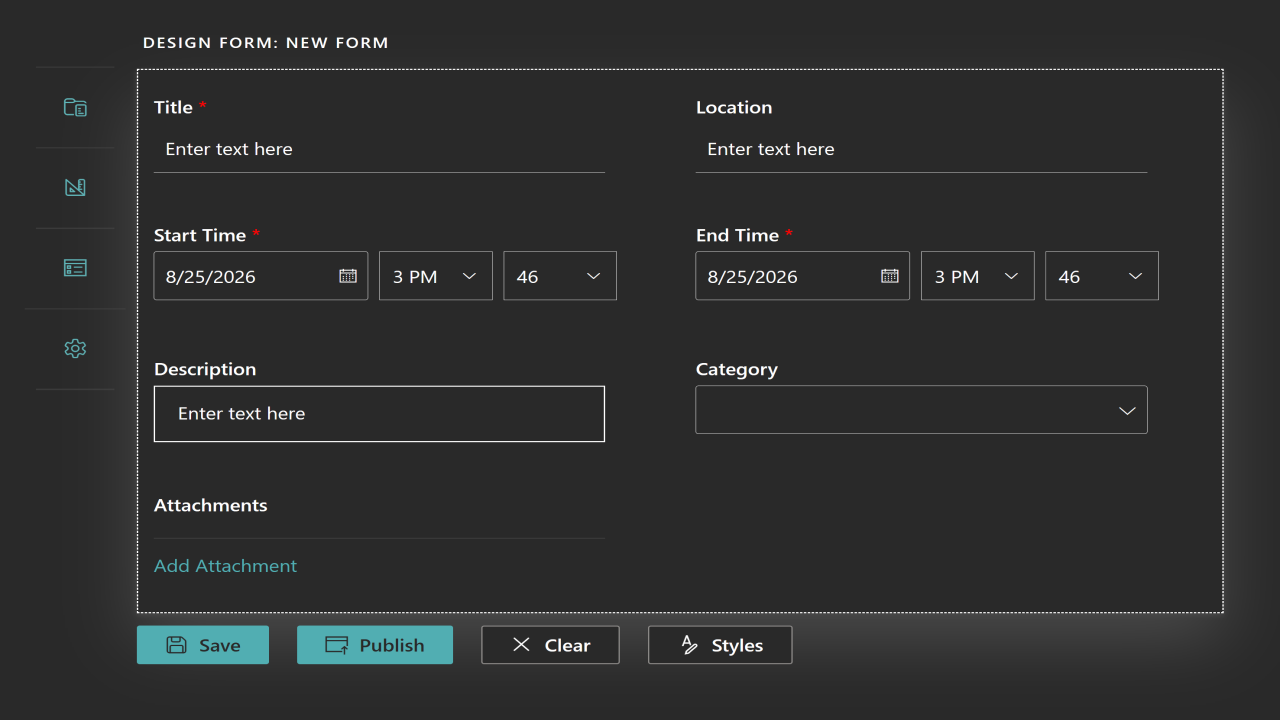
No-code form designer
Any business user with Edit permissions can design, brand, and publish forms without developer help.
Full branding control
Set borders, background colors, and fonts for labels and controls to match your organization's look and feel.
Drag-and-drop layout
Rearrange fields and sections by dragging them into place.
Field-level rules
Set individual properties and validation rules per field.
Conditional logic
Show, hide, or set values on fields and sections based on conditions you define.
Power Automate integration
Attach or detach Power Automate flows that use the HTTP request trigger to any form, so form submissions can kick off your own automated processes.
Multiple forms per list
Create different forms on the same list to collect different fields from different groups of users.
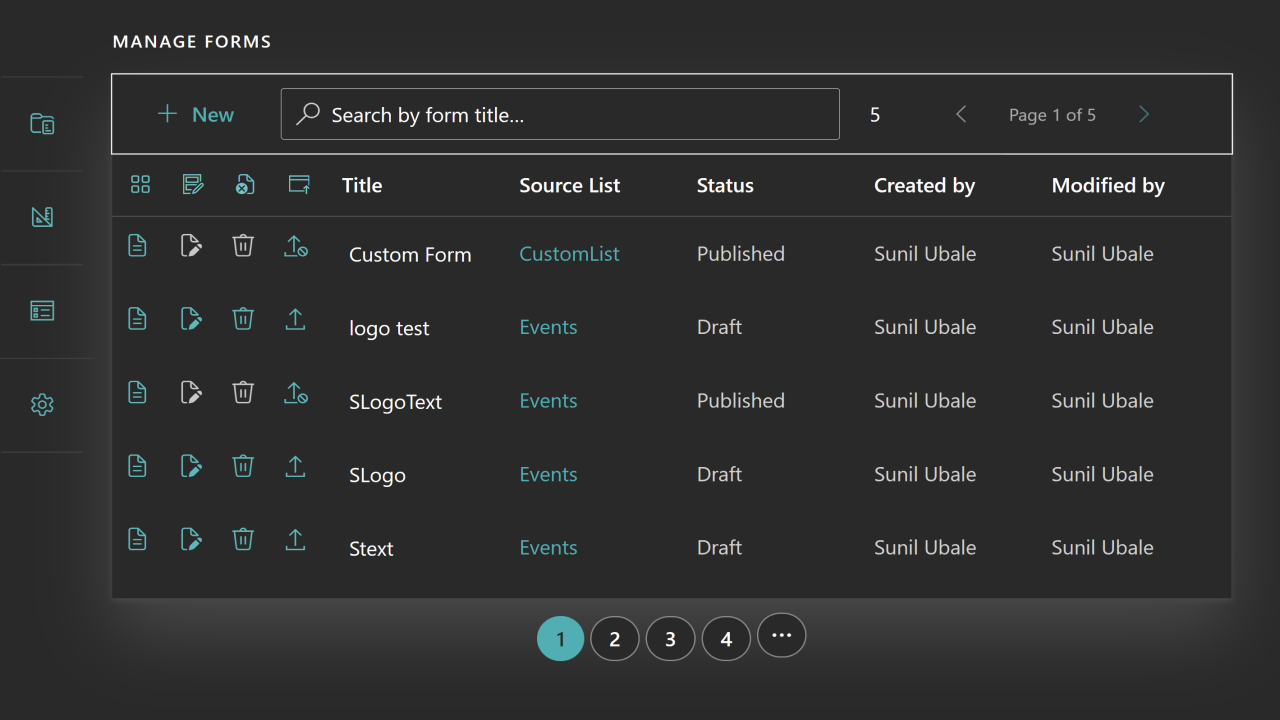
Unified forms dashboard
All forms created in the site are managed and published from one place.
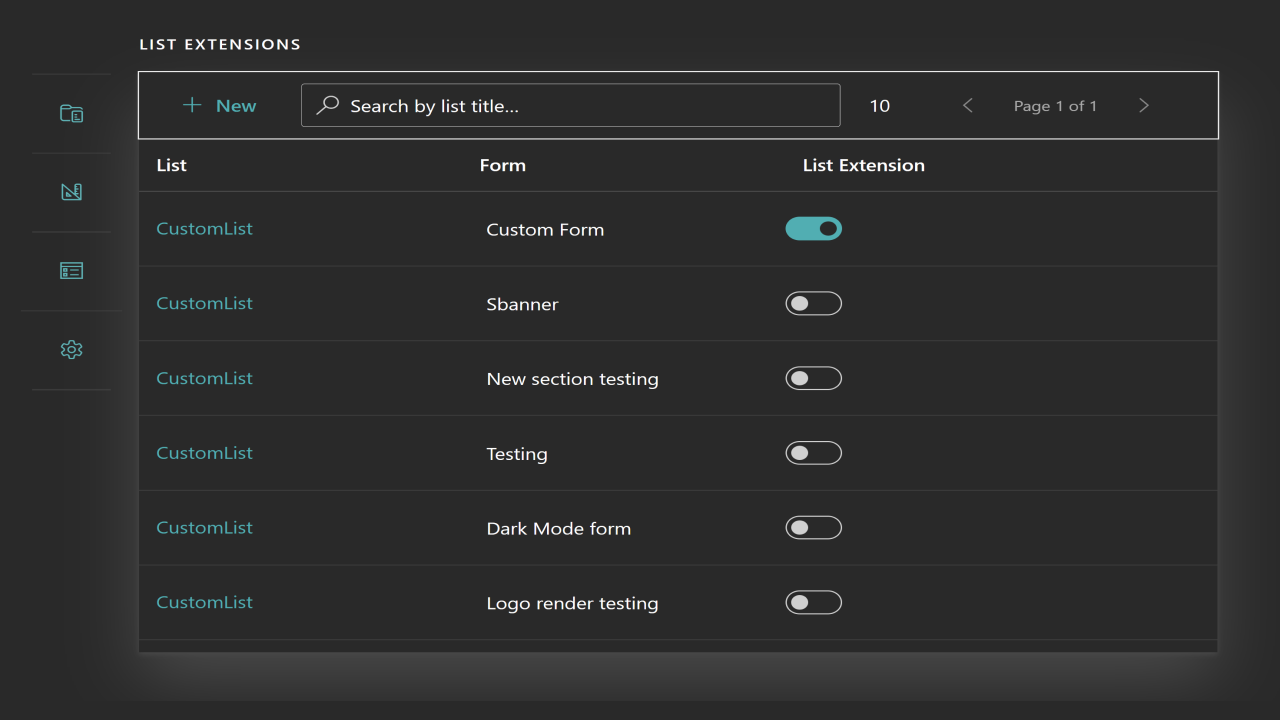
Native list integration
Optionally enable List Extension to add "New", "View", and "Edit" options for your form directly into the list's native menus, alongside SharePoint's own commands.
Permission-aware
Only users with valid SharePoint permissions can create or use forms.
Not bolted on. Part of SharePoint.
Native SharePoint application
No external dependencies or rigid third-party tools.
Seamless Microsoft 365 integration
Works with the permissions, lists, and sites you already have.
Your data stays yours
All data submitted through your forms is stored securely within your own SharePoint environment. Vike Forms does not collect, store, or transmit your form or list data to Vike Solutions. If you attach a Power Automate flow to a form, it is triggered only at the endpoint you configure.
A short look at building your first form.
Inside the form designer.
One price per tenant. No per-user math.
Vike Forms is licensed per tenant — once licensed, there are no limits on the number of users, forms, or sites within your tenant.
- No limits on users, forms, or sites
- Free updates and ongoing maintenance support included
- No extra or hidden costs
- Billing managed entirely through Microsoft Marketplace
Try it, then keep it monthly or annually.
After your trial, continue with a flat monthly or annual subscription — billed through Microsoft Marketplace.
Start free trialAlready know you want it? Download the package. A free trial or subscription is required for the app to work.
Can't subscribe through Microsoft Marketplace?
If the Marketplace offer isn't available in your country or region, contact us and we'll set up your 30-day trial directly. Please include your Microsoft 365 Tenant ID. How to find it
We can build on top of it for you.
Vike Forms covers most SharePoint form needs out of the box — but if yours goes further, we're happy to help.
Custom builds on Vike Forms
Want to further customize the solution to match your business requirements, or build deeper integrations with your business processes beyond attaching flows to your forms? Reach out — we can turn this around quickly, and you only pay for the effort required to build on top.
Prebuilt Microsoft 365 solutions
Looking for something else in the Microsoft 365 environment? We have a stack of prebuilt solutions that can be easily repurposed to fit your requirements — saving you the time and effort of building from scratch.